Fill Line: Cover Every Cell
This game is provided and hosted by an external provider (Playgama). When you press "Play now" your browser connects to the provider's servers, which may show ads inside the game and set their own cookies under their own policy, separately from this site's cookie settings. Privacy policy
Keyboard tip: after you press "Play now" the game receives the keyboard. Shift+Tab always moves you out of the game back to the page (Tab does too in most games); Esc leaves fullscreen.
About this game
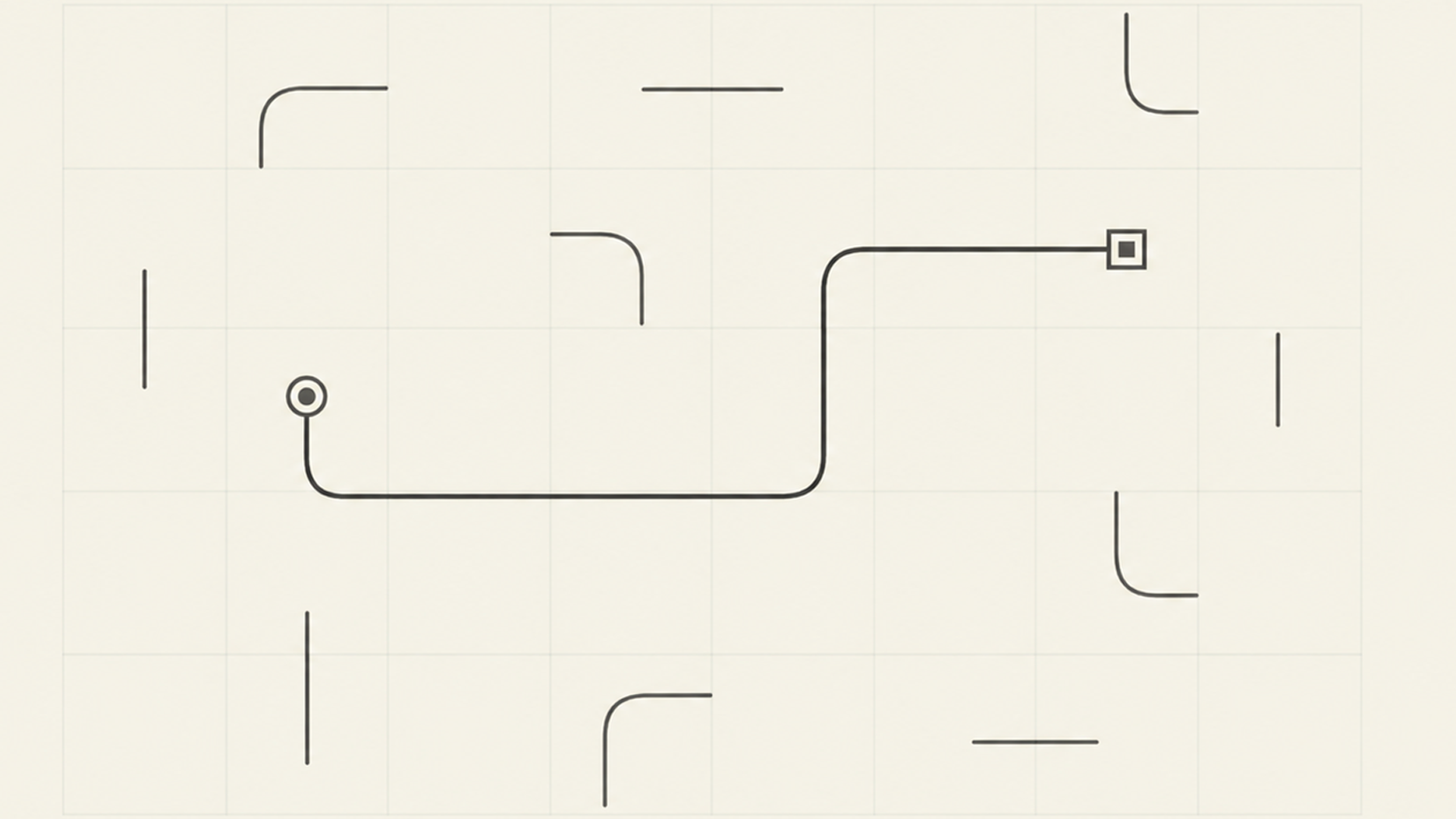
Fill Line is a calm one-stroke logic puzzle. Start from the marked cell and draw one continuous line that fills every block on the board. You can't visit a cell twice, and there are no diagonal moves. It sounds simple, but the boards grow with every chapter and the solutions get trickier. The game has over 1,000 levels in 41 chapters. Each chapter has its own color theme, and the difficulty rises smoothly: easy breather levels alternate with hard ones, and a boss level waits at the end of every chapter. New mechanics appear along the way: double blocks you have to cross twice, bridges where the line crosses itself, and arrows that set the direction. A new daily puzzle with a reward opens every day. Spend coins to unlock themes, each with its own sound. There are no timers, no lives and no game over — just logic and the satisfying sound of filling cells.
How to play
Start from the marked cell: it is already filled and pulses. Without lifting your finger or the mouse button, draw the line through neighboring cells up, down, left or right. The goal is to fill every block on the board with a single line. Made a mistake? Drag the line back to undo steps, or tap any cell of the line to continue from there. The Undo button removes the last step, and Restart begins the level again. If you get stuck, tap Hint and the game will show the next steps. Special cells: a block with a ring must be crossed twice; a bridge is crossed once vertically and once horizontally, and you can't turn on it; an arrow can only be passed in its direction. On a computer: arrows or WASD — step, Z or Backspace — undo, R — restart, H — hint, Esc — pause.
To play Fill Line: Cover Every Cell, just wait for it to load above and jump in. Everything runs locally, on desktop or mobile.
If arcade is your thing, Fill Line: Cover Every Cell earns a spot in the rotation — think arcade, puzzle, logic. Play it anywhere a modern browser runs, and share it with a friend.